How to use Belong Nordic

Five tabs. One honest number. Here is what each one does and what you can do there.

The screens below are from the iPhone app. The Android app is the same, screen for screen.

Start

Answer a few questions once.

Pick a country. Say when you arrived, whether you hold permanent residence, whether you are married to a citizen and what you have already done. Every tab reads from those answers. You can change any of them on the You tab.

Dashboard

How far am I, really?

The ring has one segment per requirement on your route. It closes as you meet them. The number in the middle is how many are met.
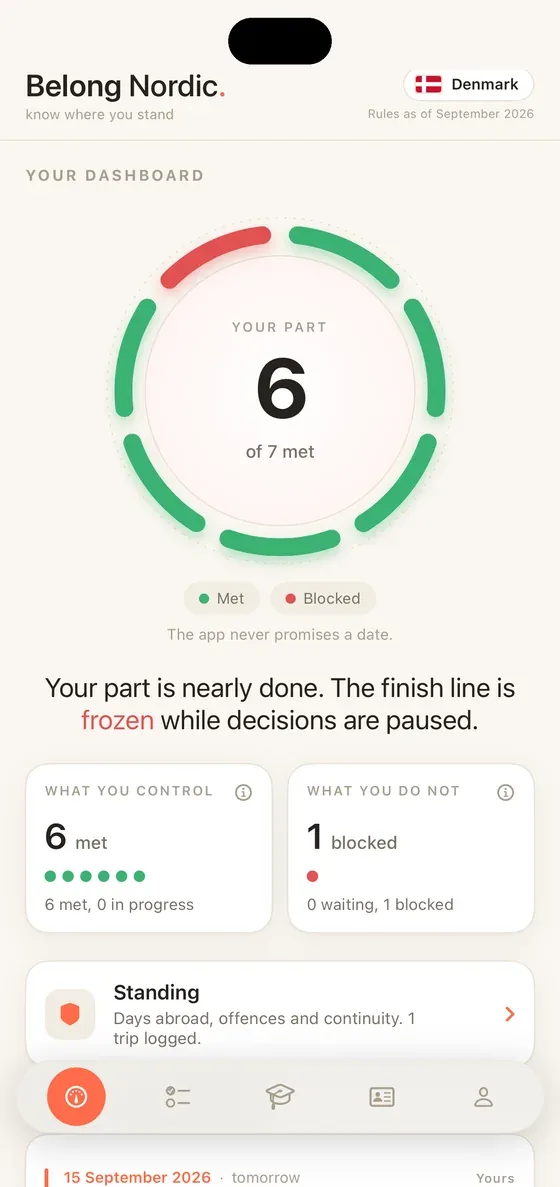
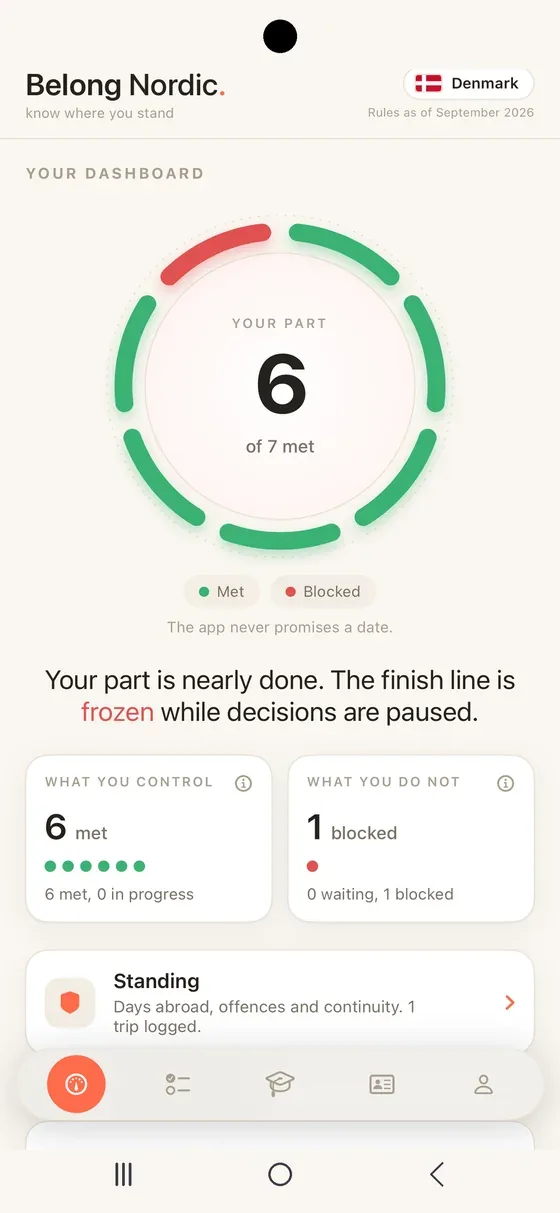
Met In progress or at risk Blocked Waiting
  • What you control and what you do not. Tap the small i to see every requirement under its status.
  • Standing. Log or plan trips abroad, fines and offences. The ring updates at once.
  • Next. The dates ahead of you, soonest first. Nothing is invented to fill the space.
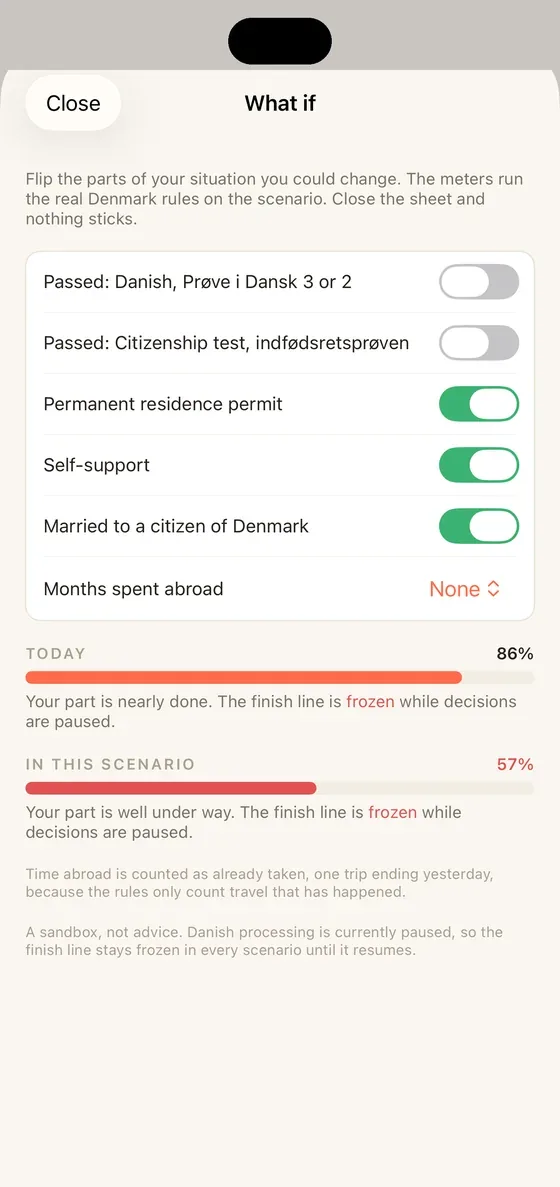
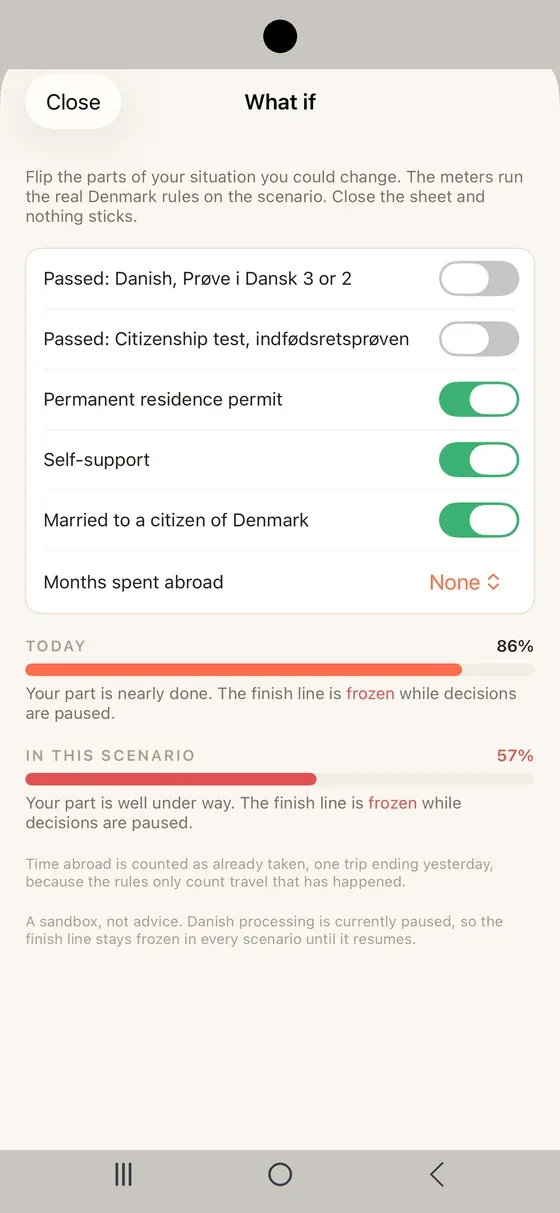
  • What if. Try a decision on a copy of your situation. Nothing is saved.
  • Routes and Outlook. Every route your country offers and what is moving in the law right now.
Belong Nordic Dashboard on iPhoneBelong Nordic Dashboard on Android
Standing and What if

Two doors on the Dashboard.

Standing is where trips, fines and continuity live. Log a trip with its dates or plan one and the ring updates at once. What if flips a decision on a copy of your situation and shows where the finish line lands. Nothing there is saved.
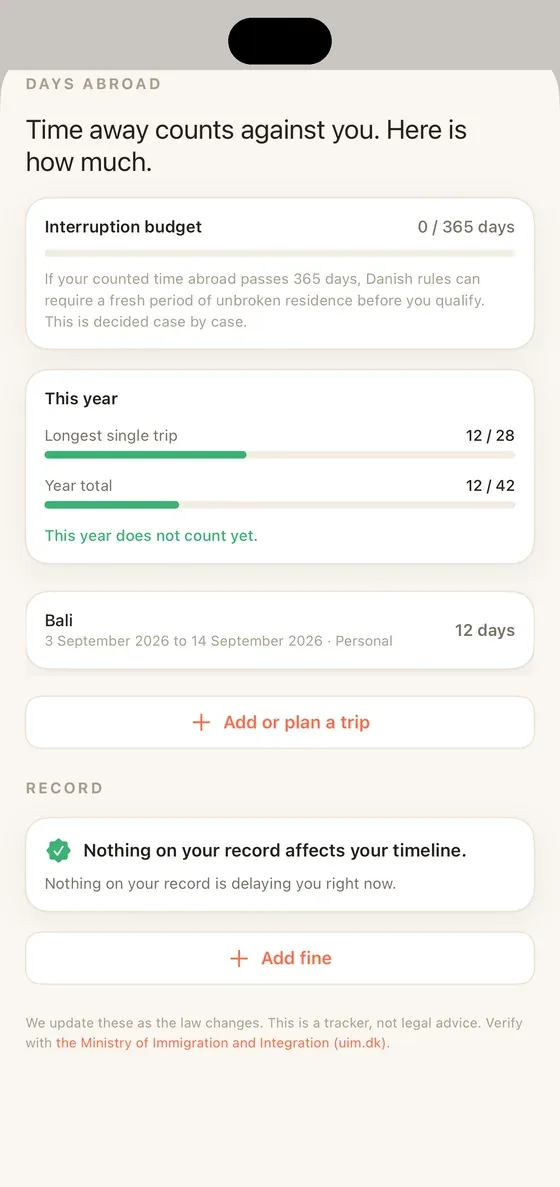
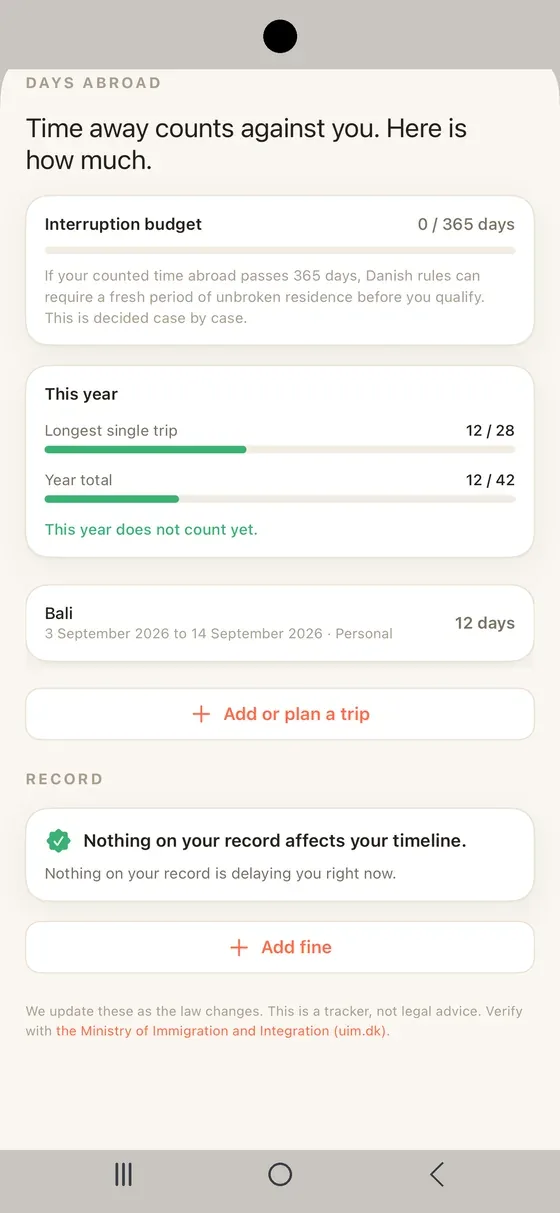
Belong Nordic Standing on iPhoneBelong Nordic Standing on Android
Standing
Belong Nordic What if on iPhoneBelong Nordic What if on Android
What if
Path

Every requirement, explained and sourced.

What stands between you and the decision, in the order the authority weighs it, each with a link to the authority's own page. The bar under the headline is the ring's colour code.
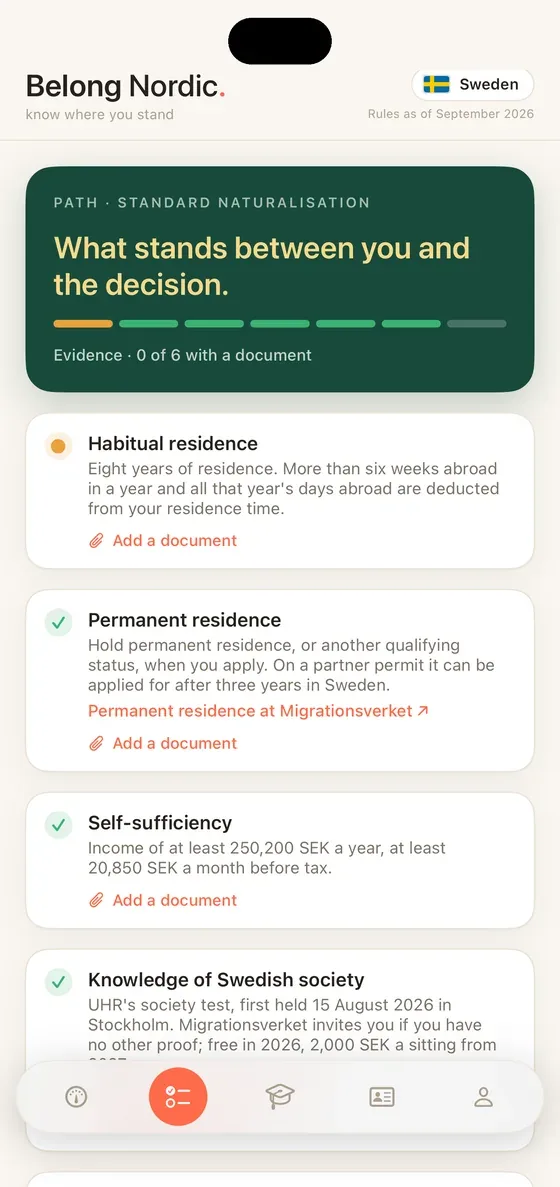
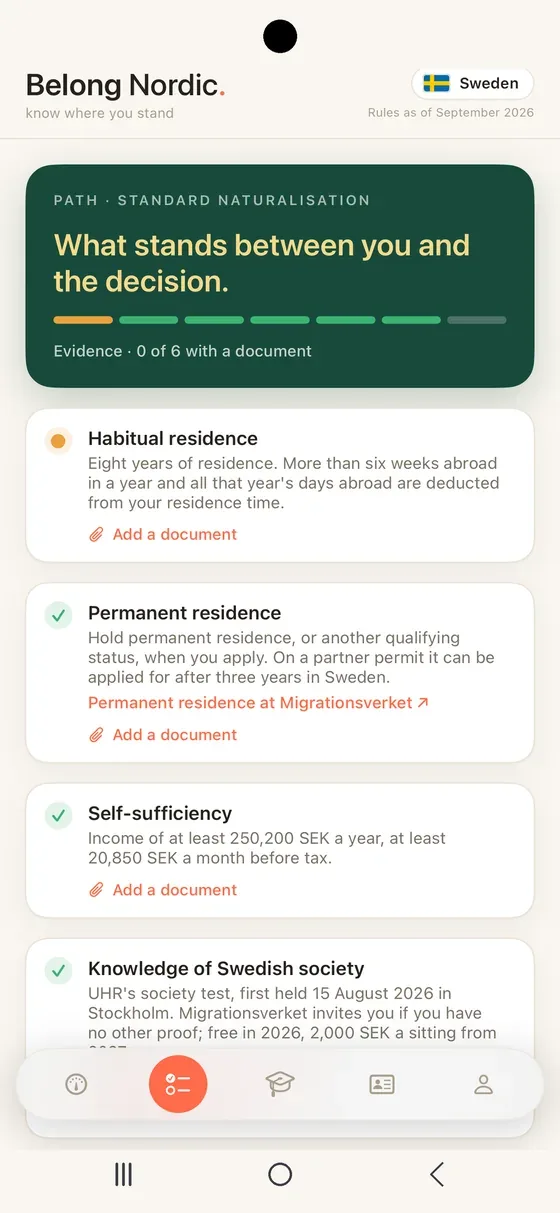
  • Add a document under any requirement. Documents stay on this iPhone, out of your backup, never uploaded.
  • The evidence line at the top counts how many requirements have a document.
Belong Nordic Path on iPhoneBelong Nordic Path on Android
Practice and News

Practice, Chapters, Progress, News and Guides.

Slide the bar at the top to move between them. The questions are written by Belong Nordic from each authority's own study material. Practice, not the exam.
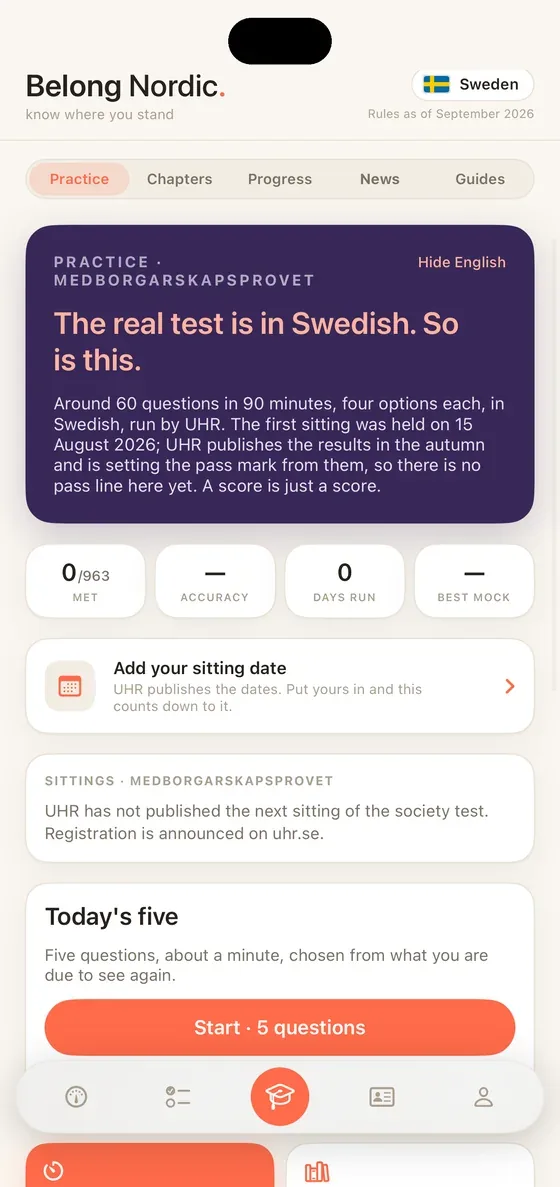
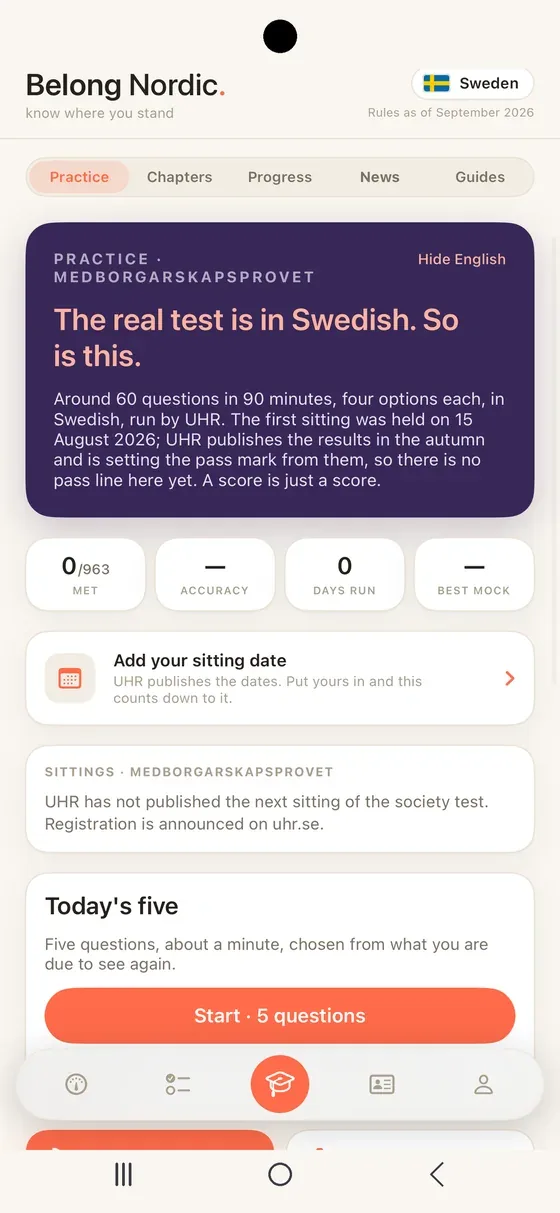
  • Today's five. Five questions, about a minute, from what you are due to see again.
  • Full mock under the real clock. Rematch replays your open mistakes.
  • Add your sitting date and the tab counts down to it. Sittings shows the next published date.
  • Chapters take ten questions at a time. Progress is your numbers and a reset.
  • Show English adds a line under each question while you learn. Turn it off before a mock.
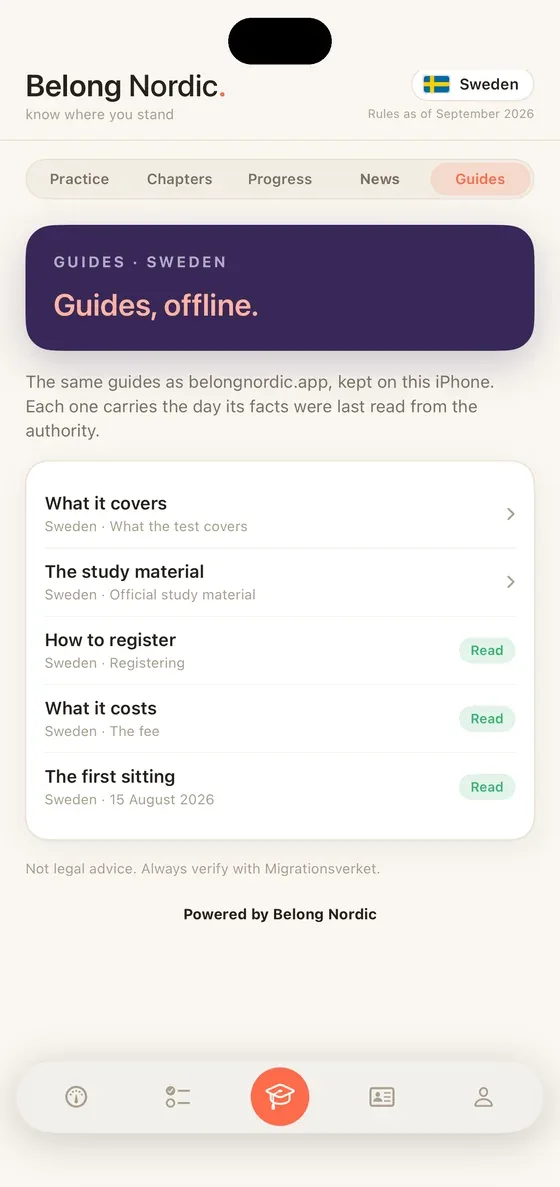
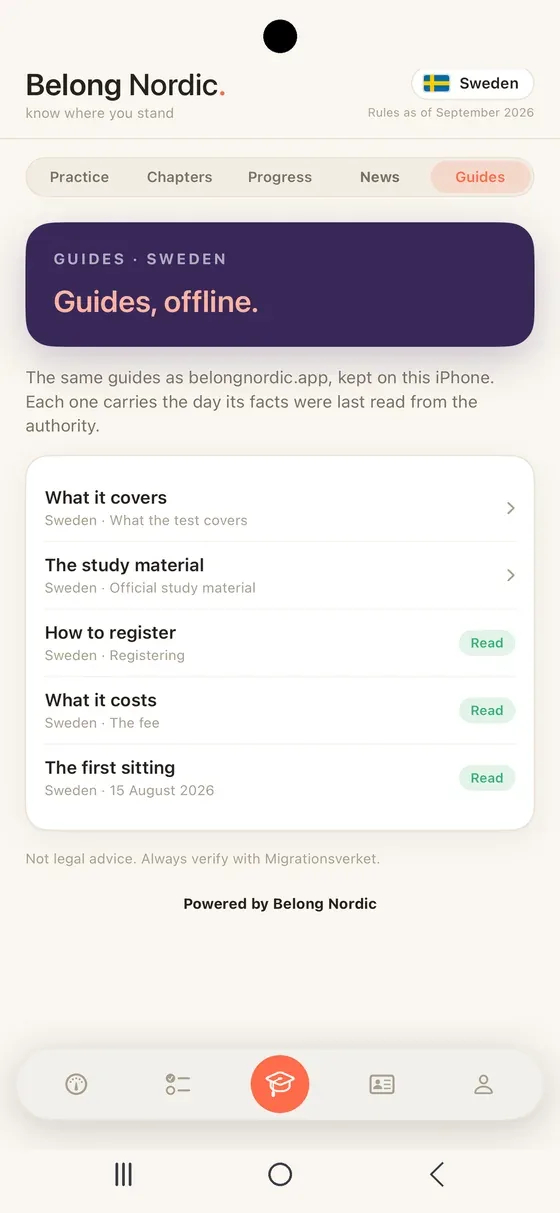
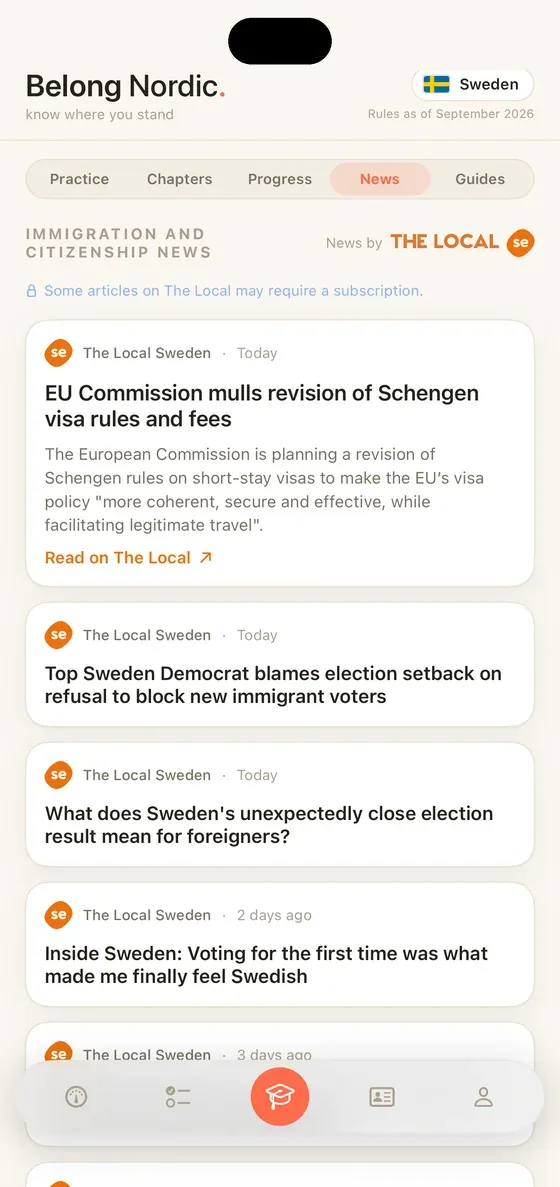
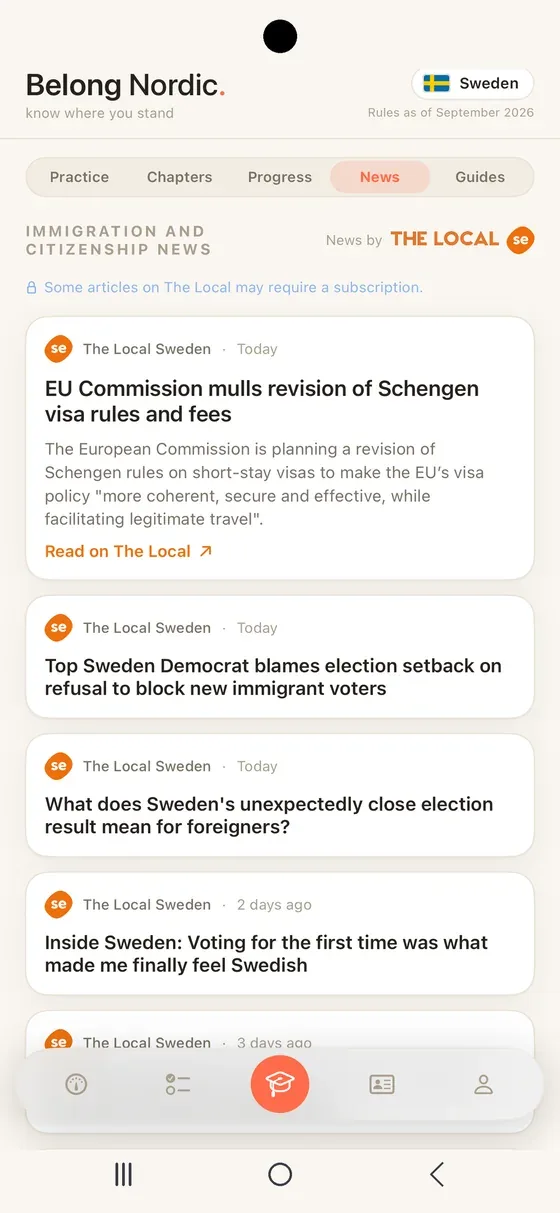
  • News from The Local, where it publishes. Guides open without a connection.
Belong Nordic Practice on iPhoneBelong Nordic Practice on Android
Chapters and Guides

One chapter at a time, and the guides offline.

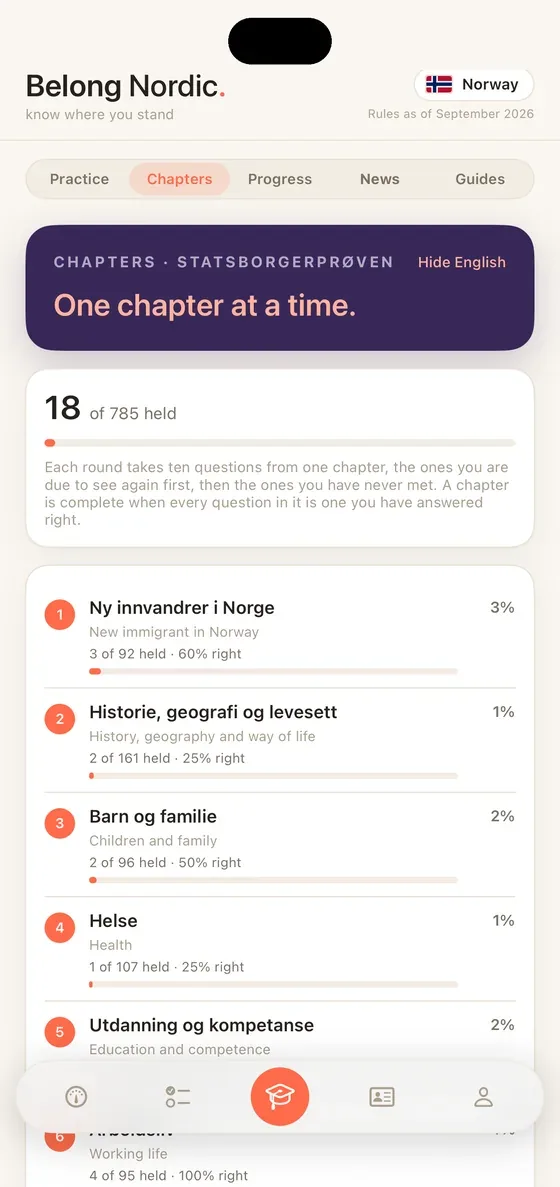
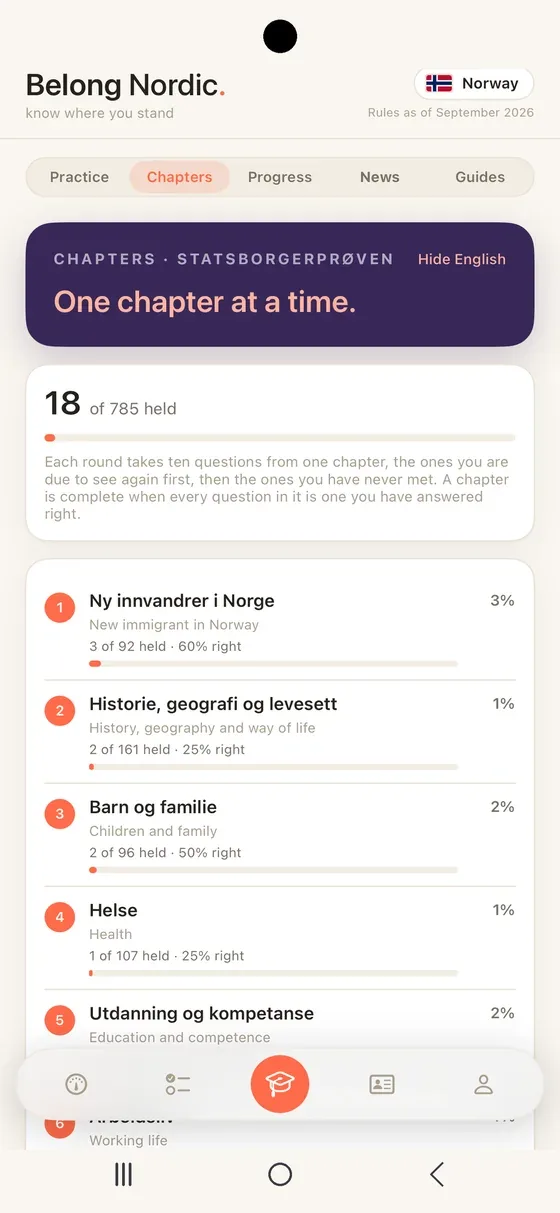
Chapters follow the authority's own study material, ten questions a round, the ones you are due to see again first. A chapter is complete when every question in it is one you have answered right. Guides are the same guides as belongnordic.app, kept on your phone, each one carrying the day its facts were last read from the authority.
Belong Nordic Chapters on iPhoneBelong Nordic Chapters on Android
Chapters
Belong Nordic Guides on iPhoneBelong Nordic Guides on Android
Guides
Progress and News

Your numbers, and what is changing.

Progress is questions held, accuracy, every mock against the pass mark where one is published and the chapters that still need work. News is immigration and citizenship stories for your country from The Local, where The Local publishes.
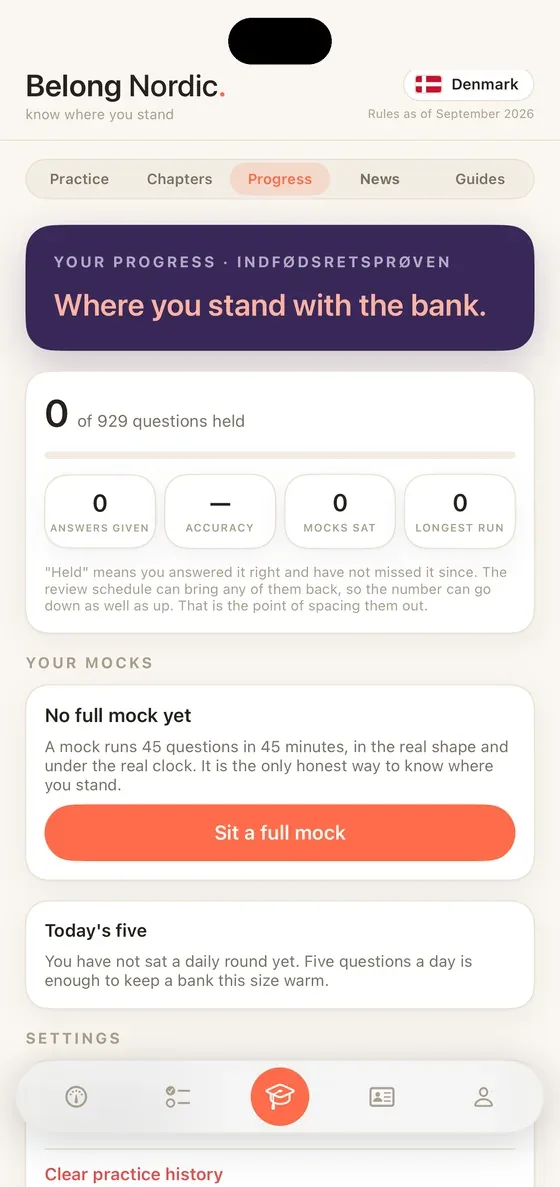
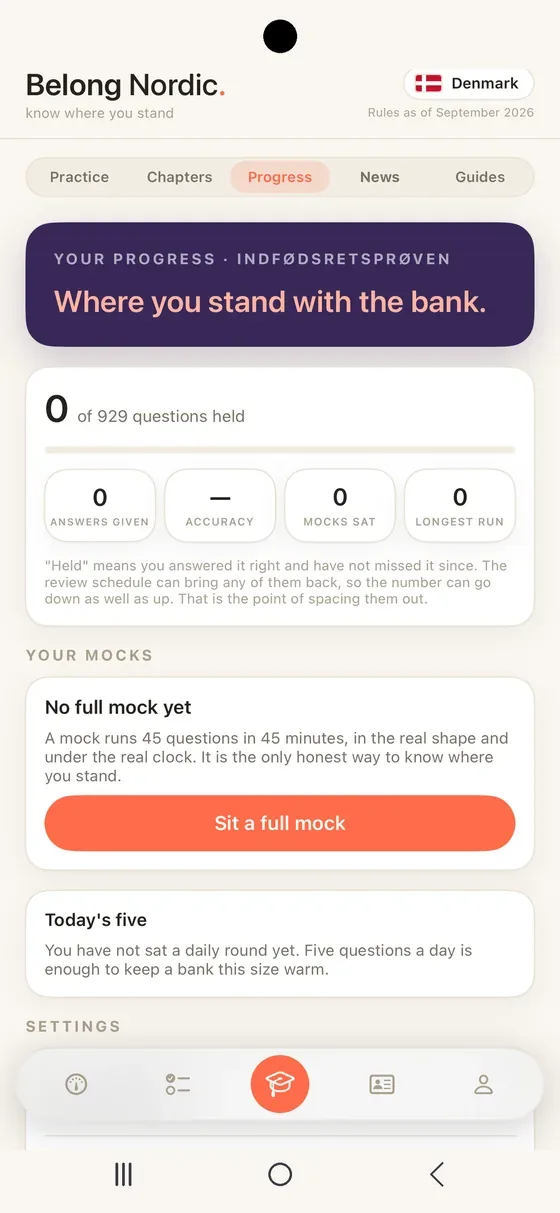
Belong Nordic Progress on iPhoneBelong Nordic Progress on Android
Progress
Belong Nordic News on iPhoneBelong Nordic News on Android
News
Passport

The passport at the end.

The real cover in colour and what applying involves once citizenship is granted: validity, where to apply, the fee and dual citizenship, checked with the authorities.
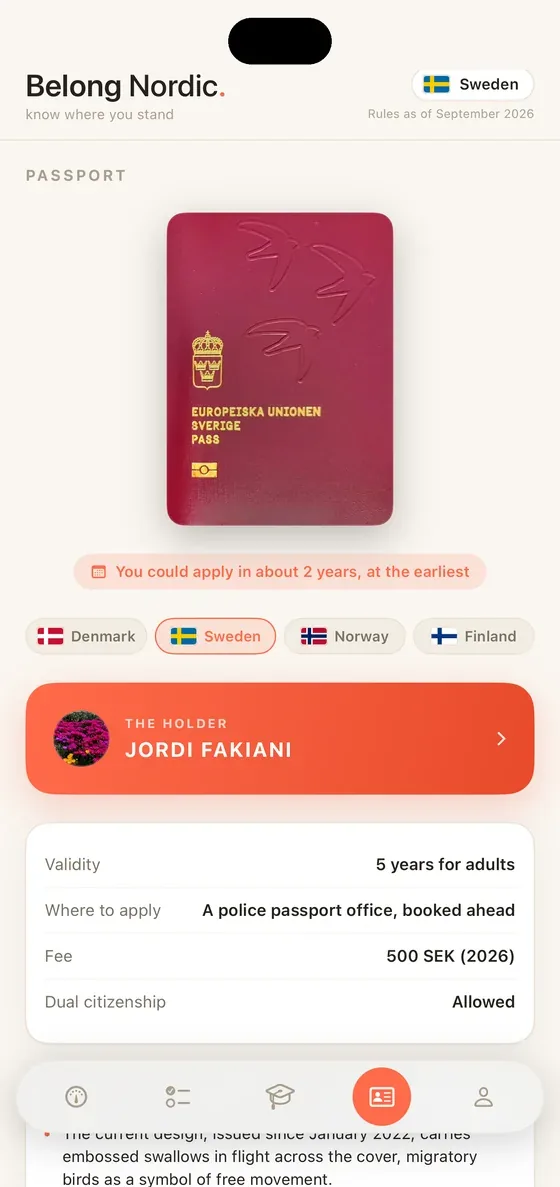
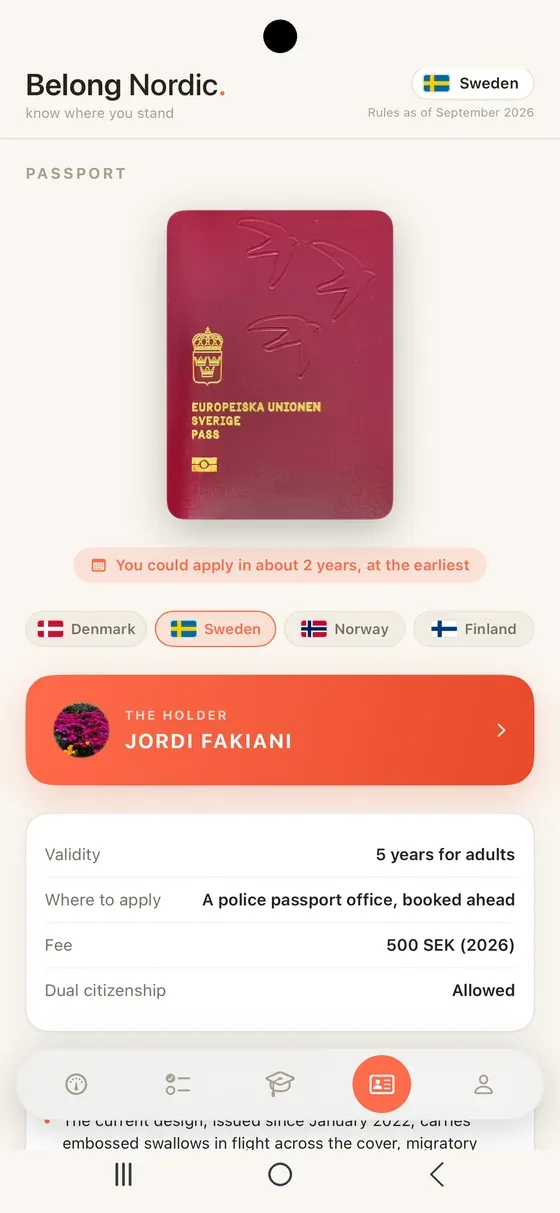
  • The pill under the cover is an earliest, never a promise.
  • Tap another country to peek at its passport. Switching lives on the You tab.
  • The holder shows the name and photo you set on the You tab.
Belong Nordic Passport on iPhoneBelong Nordic Passport on Android
You

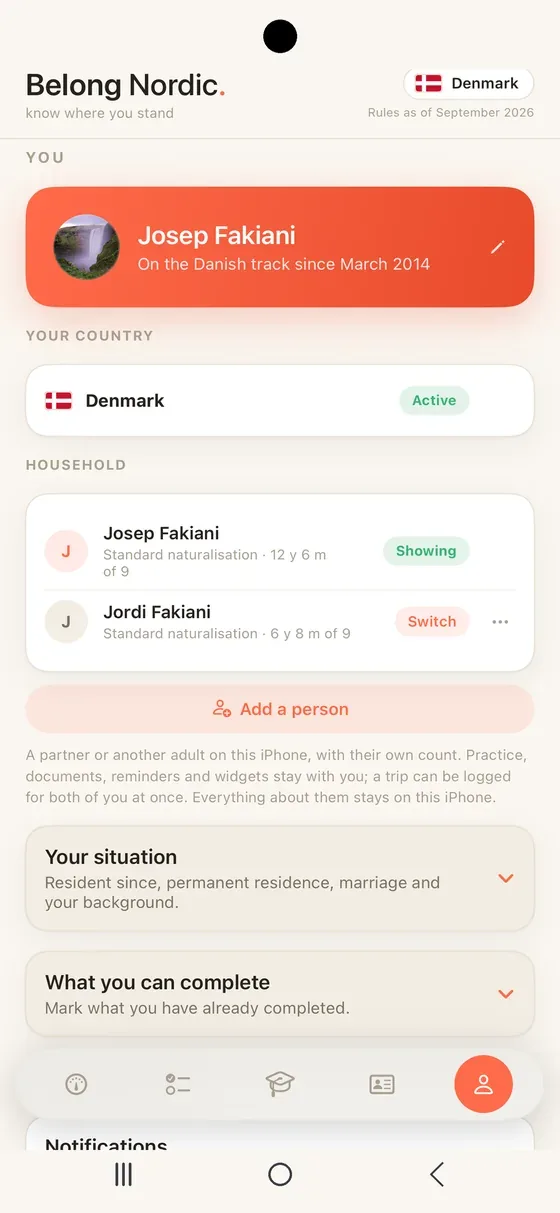
Your answers, your countries, your settings.

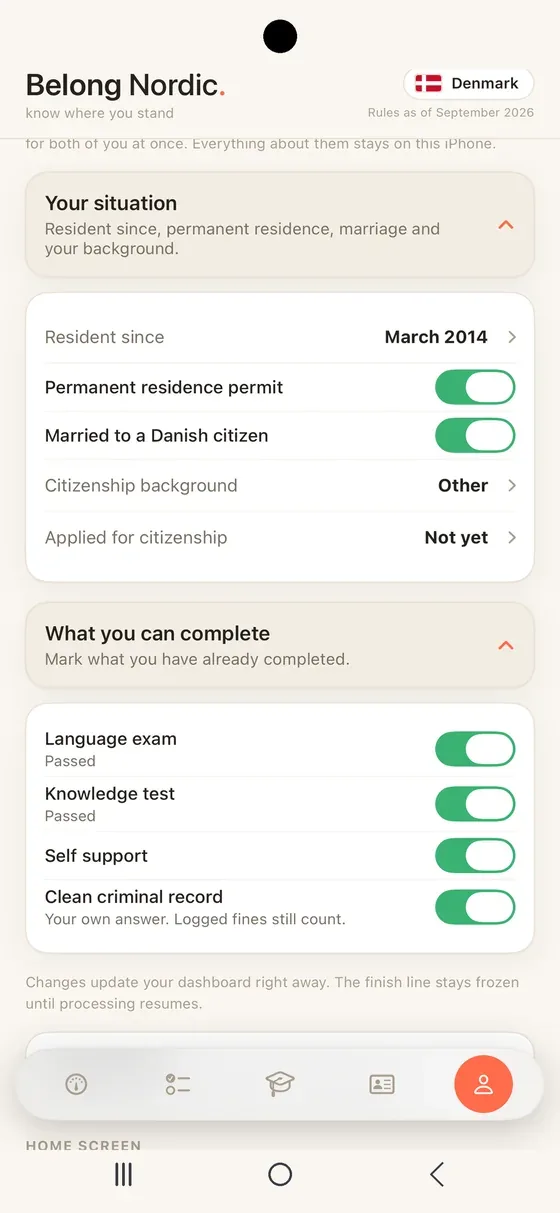
Change an answer here and every tab updates at once.
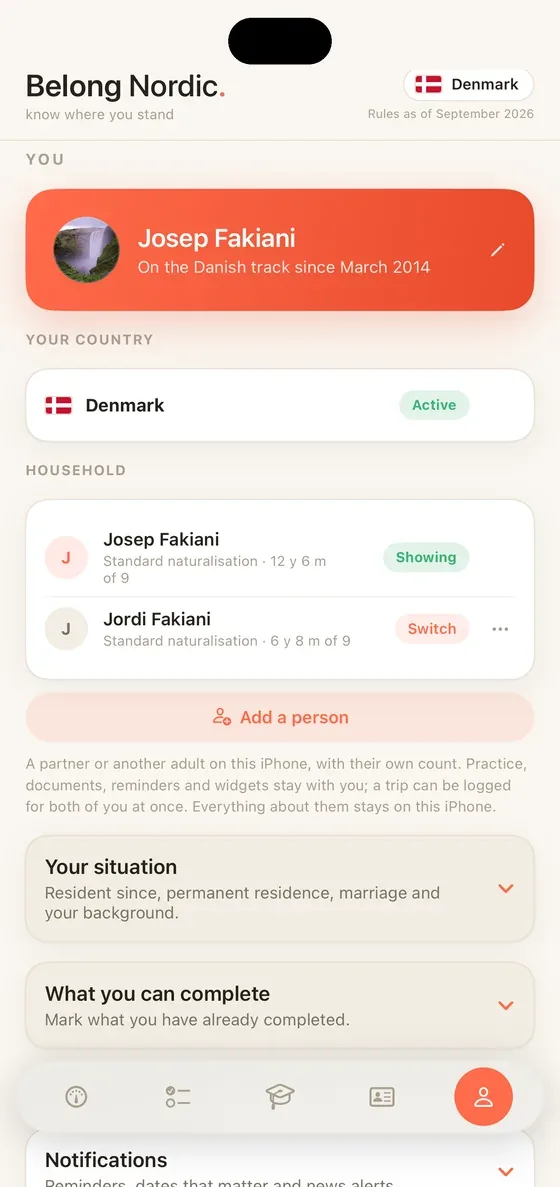
  • Name and photo. Tap to edit. They show on the Passport tab only.
  • Household. A partner or another adult on the same phone, with their own count.
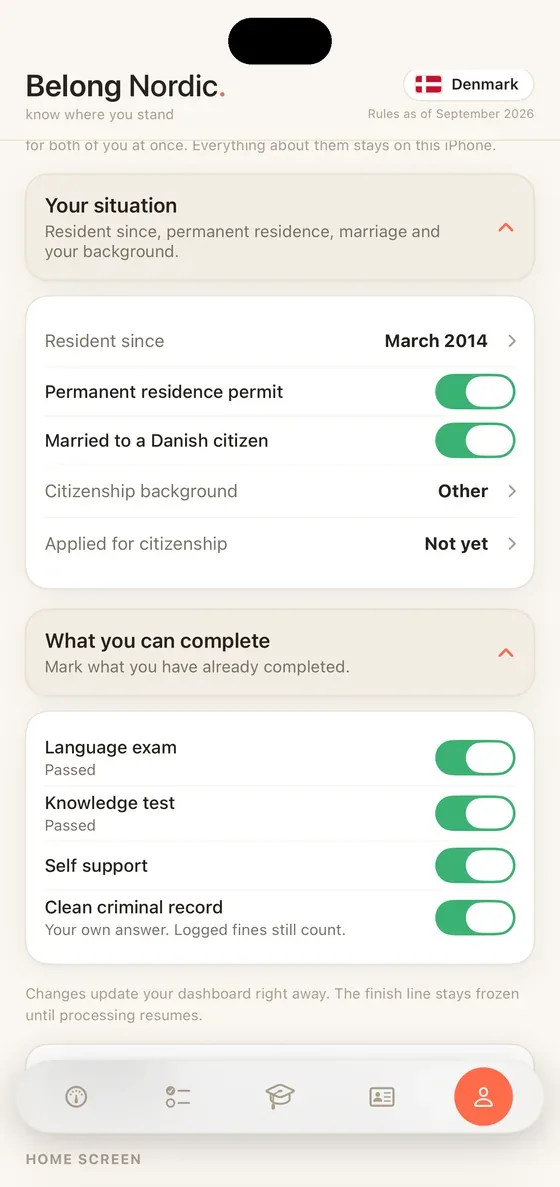
  • Your situation and What you can complete. Taps and toggles. Mark what is done and the ring moves.
  • Notifications. Today's five at your hour, dates that matter and news.
  • Countries. Four tiles at the bottom. Tap one to switch the whole app.
Belong Nordic You on iPhoneBelong Nordic You on Android
You
Belong Nordic Your situation on iPhoneBelong Nordic Your situation on Android
Your situation
Widgets and reminders

Belong Nordic on your home screen.

Long press the home screen, tap the plus, search for Belong Nordic. Each widget reads the same numbers as the app. Tapping one opens its tab.

Where you stand

Your residence time so far and the earliest date, or the word frozen.

Days abroad

This year against your country's limit, logged trips only.

Today's five

Done or not yet and your run of days.

News

The newest story for your country from The Local, where it publishes.

Honest instruments

Belong Nordic never invents a finish date.

When decisions are paused the finish line reads frozen. Every rule carries the date it was checked and a link to the authority that owns it. This is a tracker, not legal advice. Questions? hello@belongeurope.com