The iPhone app and the web app work the same, but they handle your data differently. Here is how.
The iOS app keeps your tracker on your iPhone. No account is needed to use it, and the data you enter never leaves your device. Signing in is optional and shares only your email and subscription status, so one subscription works on the web too.
The web app needs an account so you can open your tracker in any browser. Your profile and payment are stored securely on our servers and used only to run your account. It is never sold. Two things stay out of it entirely: the documents you attach and your practice history, which never leave the browser you are using.
Same tracker, two privacy models. Choose the iPhone app if you want everything to stay on your device, or the web app if you would rather sign in anywhere.
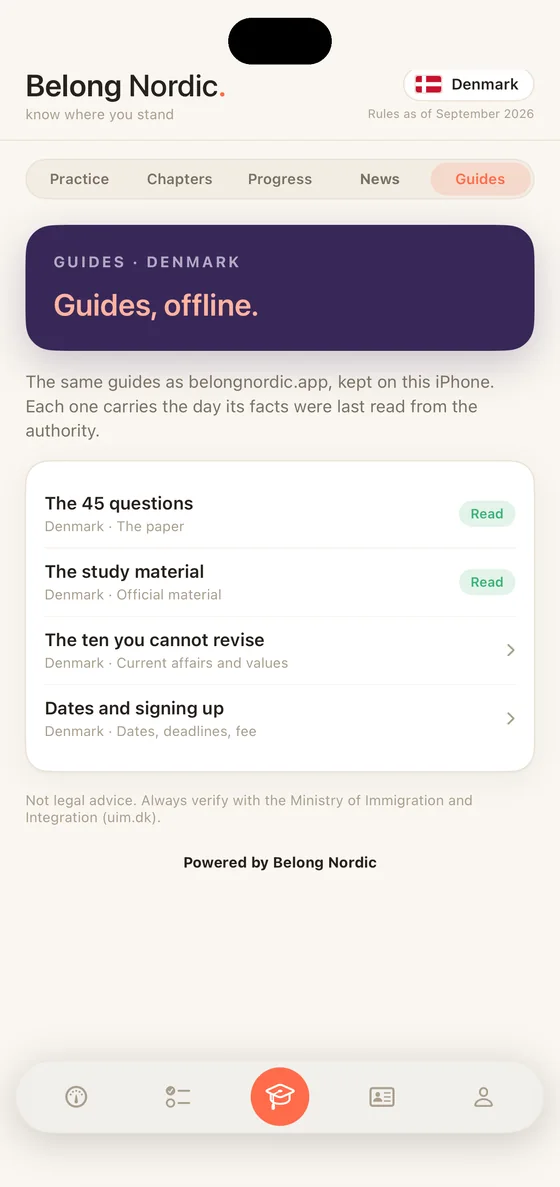
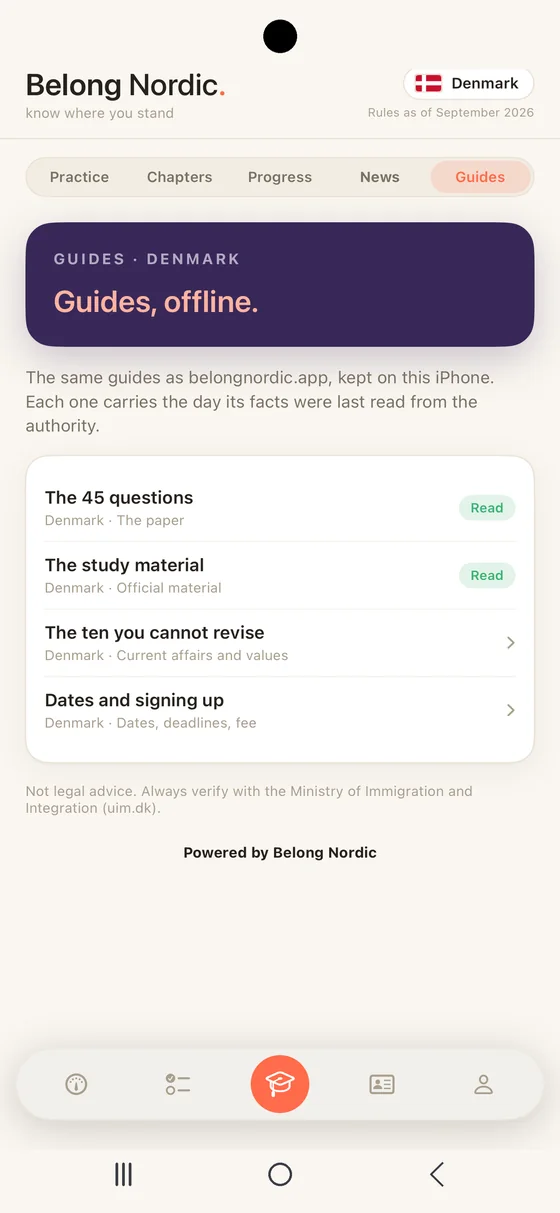
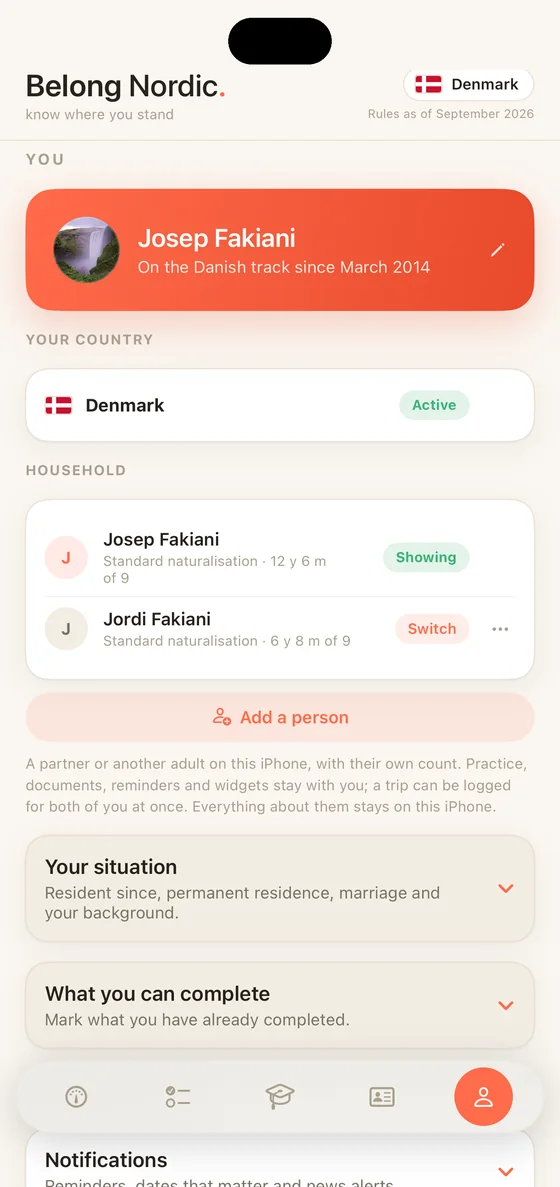
Your country’s flag now sits at the top of every tab. Switch between Denmark, Sweden, Norway and Finland from the You tab.
One subscription unlocks Belong Nordic on iPhone and on the web. Sign in with the same email in both places and your access follows you.
One yearly price covers both. Nothing extra to buy. The subscription auto-renews yearly until cancelled. Cancel any time in your Apple Account settings, and the exact local price is always shown before you buy. Full details in the terms.
Belong Nordic opens in Mediterranean, a warm light look with a coral accent. Prefer the original dark? Midnight is one tap away on the You tab. Everything else stays exactly the same.
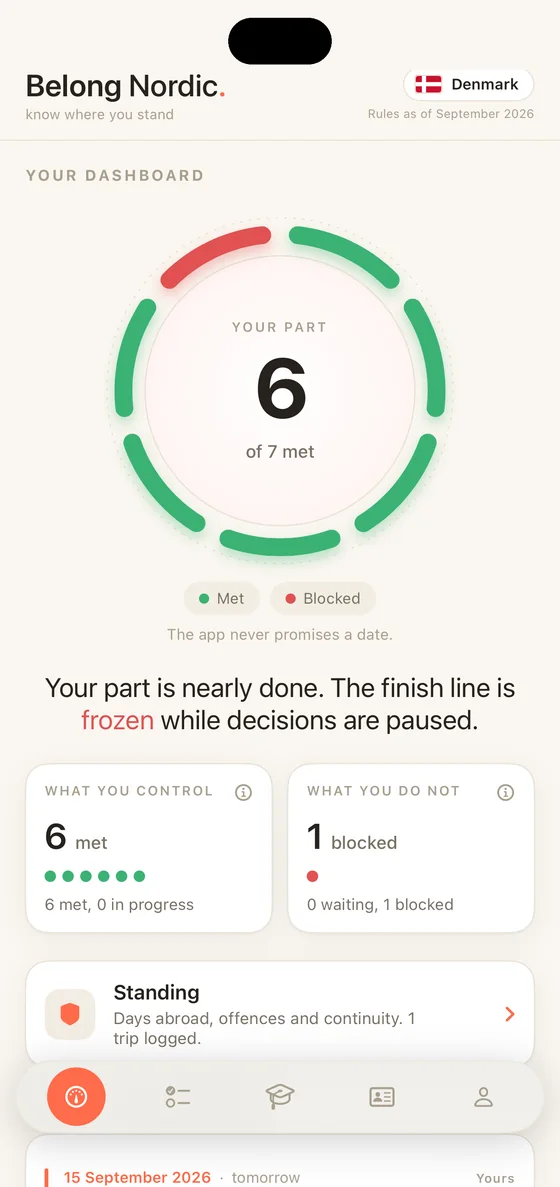
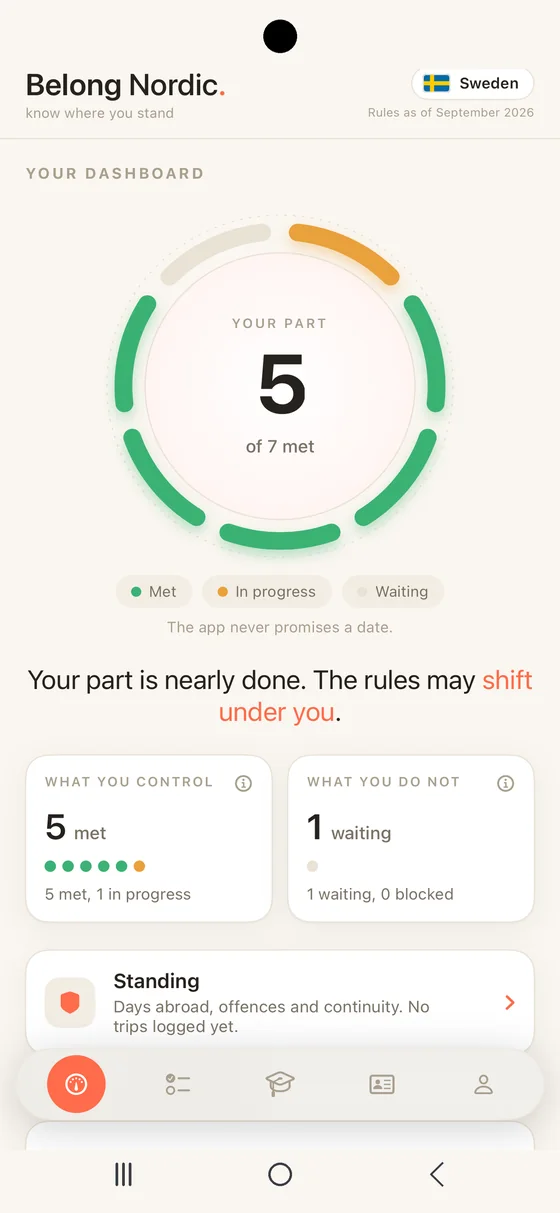
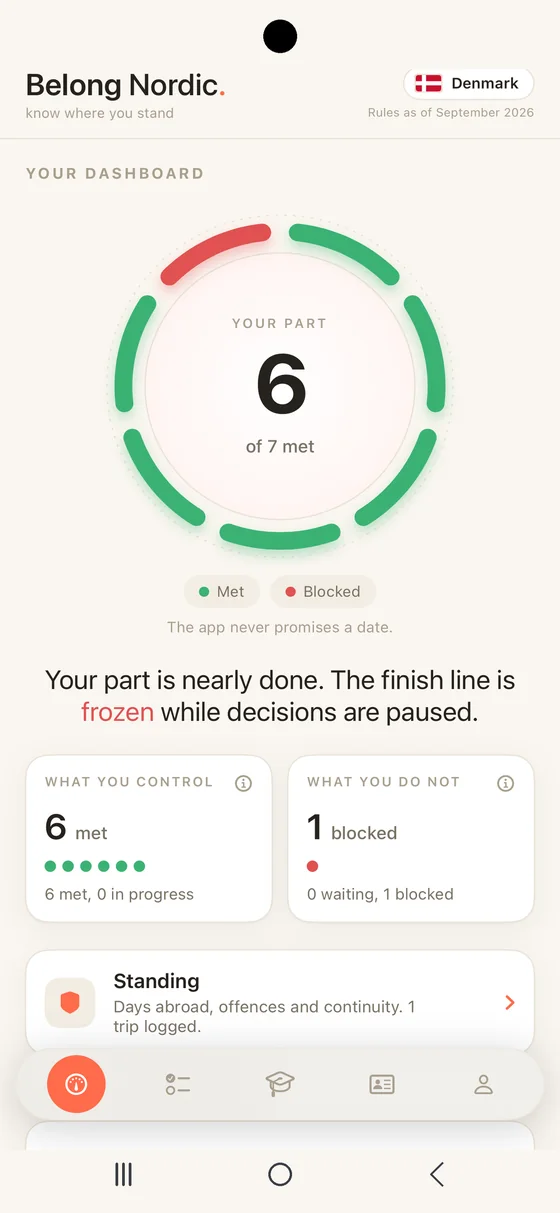
The Dashboard splits the journey into the part you control and the part you do not. The bar shows how close you are, and the finish line reads as frozen whenever processing is paused. Below it Belong Nordic lists the routes open to you, such as standard naturalisation or spouse of a Danish, Swedish, Norwegian or Finnish citizen, each carrying its own status.
What's coming sits just under that split: the dates ahead of you, soonest first. The day your residence time is complete, a test sitting to register for, a rule taking effect, a waiting period ending, a document about to expire. Each one says whether it is yours or the authority's, and a date that is only a projection says so. On iPhone you can turn on alerts and get a handful a year, with notice. On the web it is a list, and nothing sends you a notification.
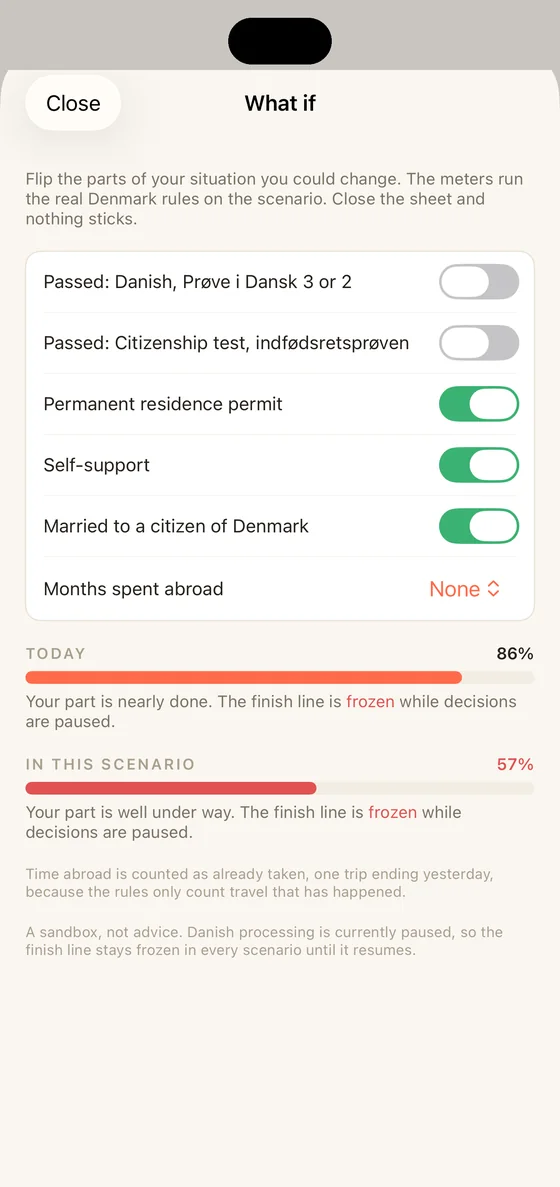
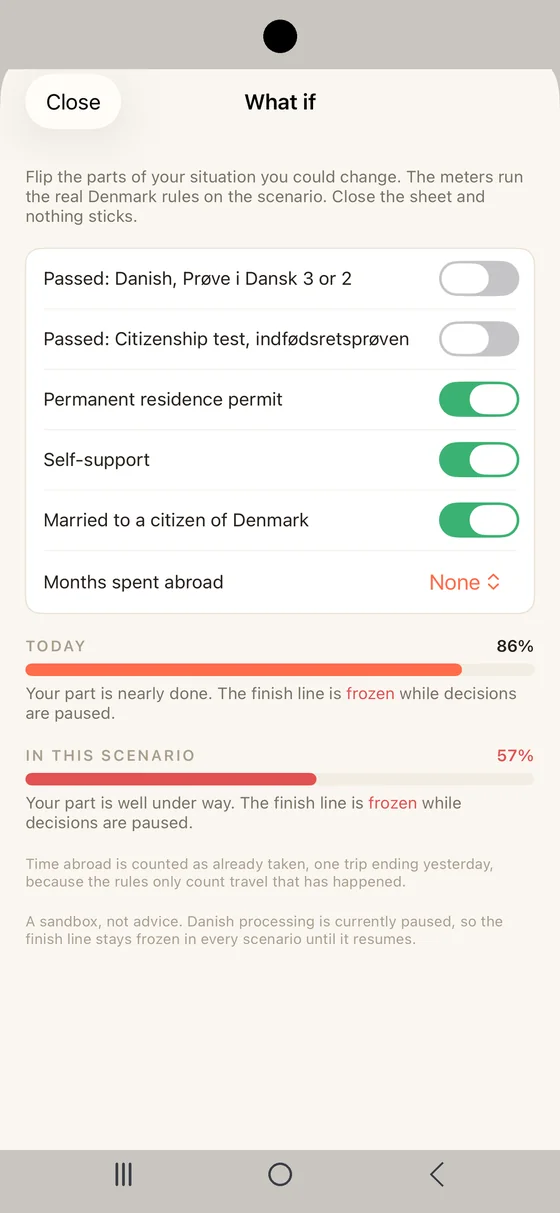
What if sits on the Dashboard and answers that without touching your file. Flip a test to passed, add permanent residence or a marriage, spend months abroad and watch your finish line move under the real rules of your country. It runs on a copy of your situation, so nothing you try is saved and nothing you entered changes.
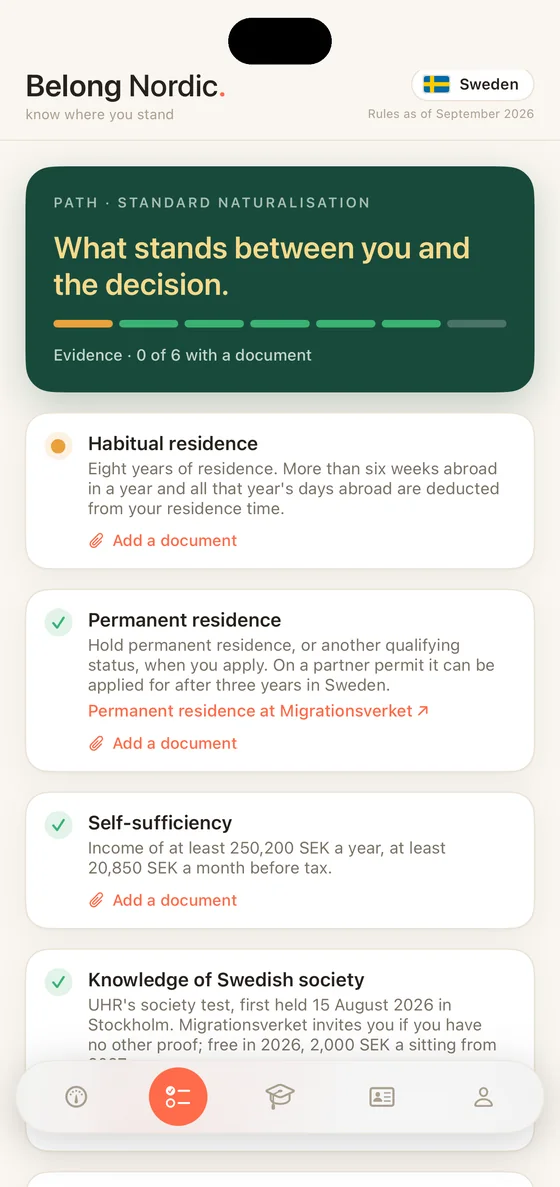
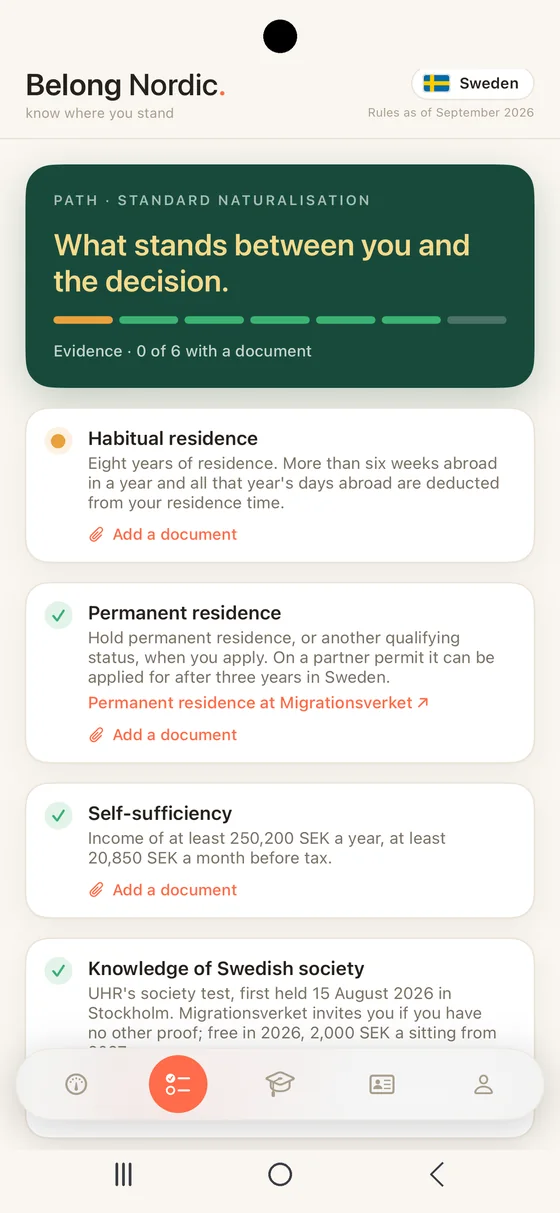
Path opens a single route and lays out every requirement in order. A green tick is met, a coral dot is in progress, an amber clock is waiting on someone else and a red lock is blocking everything behind it. Each item explains the rule in plain language and links to the official source, such as the Ministry of Immigration and Integration in Denmark, Migrationsverket in Sweden, UDI in Norway or Migri in Finland. When the citizenship test is what stands in your way, the Practice tab takes over, with full mock tests built from the official material for Denmark, Norway and Sweden.
Every requirement can carry the evidence for it: a language certificate, a residence permit, a payslip, a test result. Note when a document expires and that date joins What's coming well before it arrives, so a certificate never lapses quietly while you are waiting: on iPhone with an alert a month ahead, on the web as a date on your Dashboard. Documents stay on the device you added them on: on your iPhone, encrypted by iOS while it is locked, or in your browser on the web, filed under your account so a shared computer never shows your papers to anyone else. Belong Nordic never uploads them and never sees them. Because they never leave the device, they do not travel between the two. On iPhone they are also kept out of your iPhone backup, so restoring a new iPhone will not bring them back, so keep your own copy of anything hard to replace.
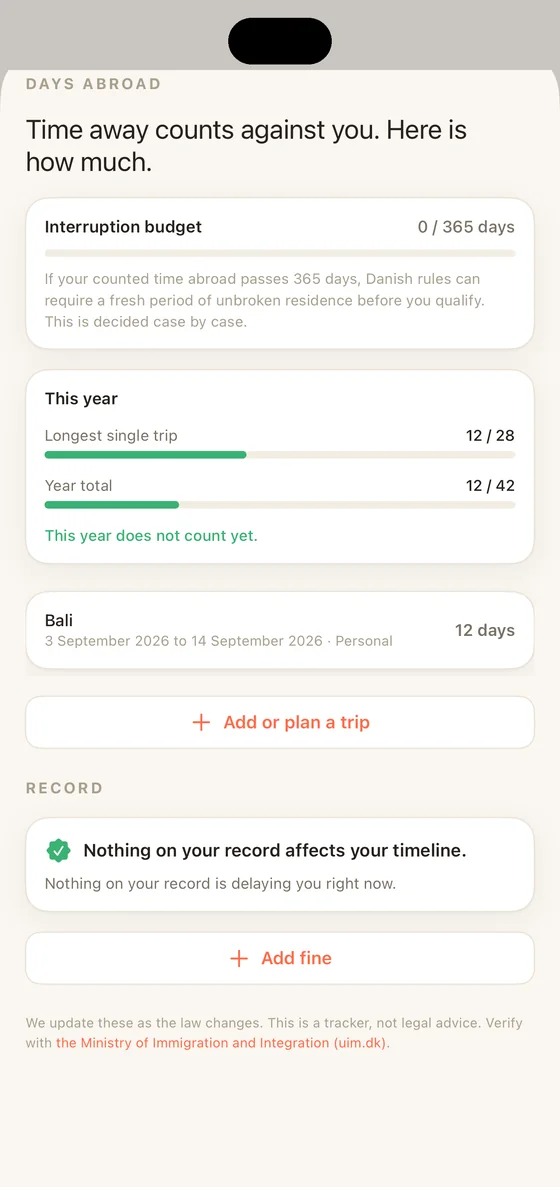
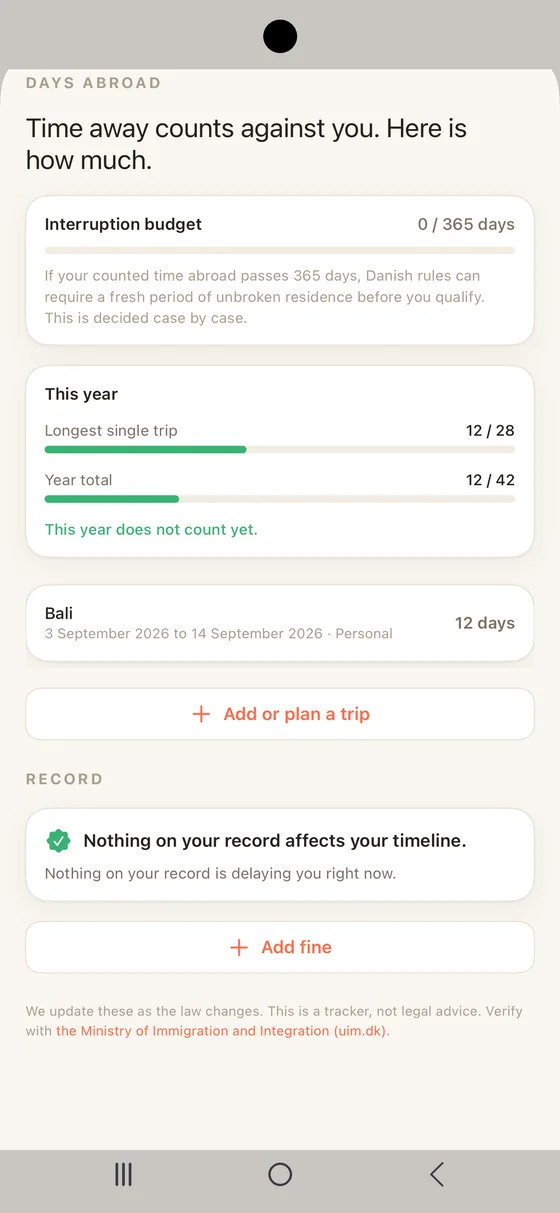
Standing watches the moving ground, your time abroad and your record. Add a trip and Belong Nordic counts it against the interruption budget, so nothing quietly crosses the line that would restart your Danish, Swedish, Norwegian or Finnish residence clock. Your record sits here too with a plain read on whether anything on it actually delays you.
On iPhone, Standing now sits one tap from the Dashboard meter it explains. On the web it keeps its own tab.
Available in Belong Nordic 2.2.8 on iPhone.
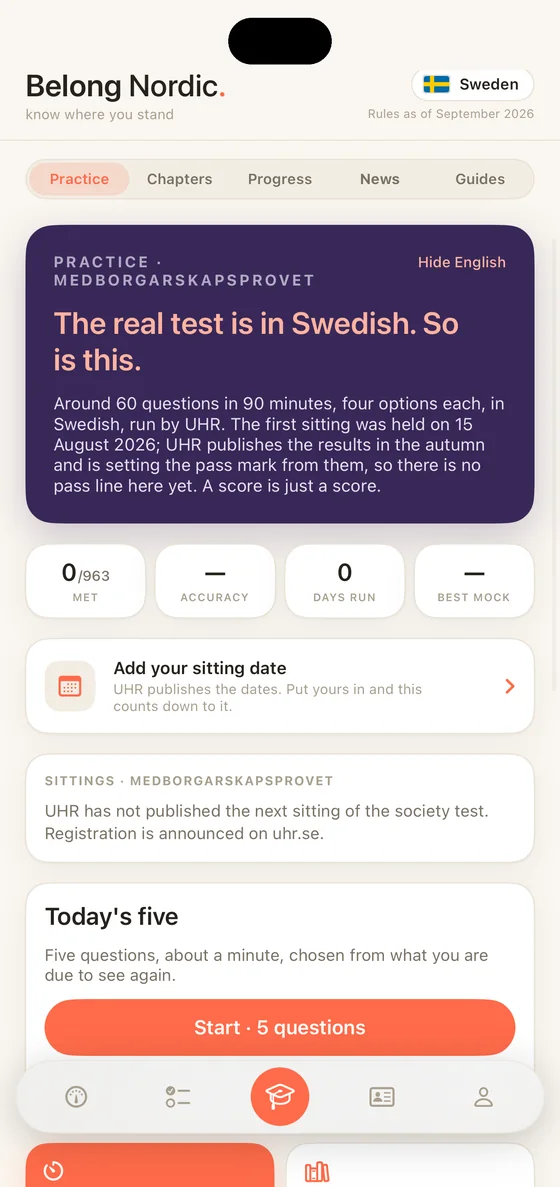
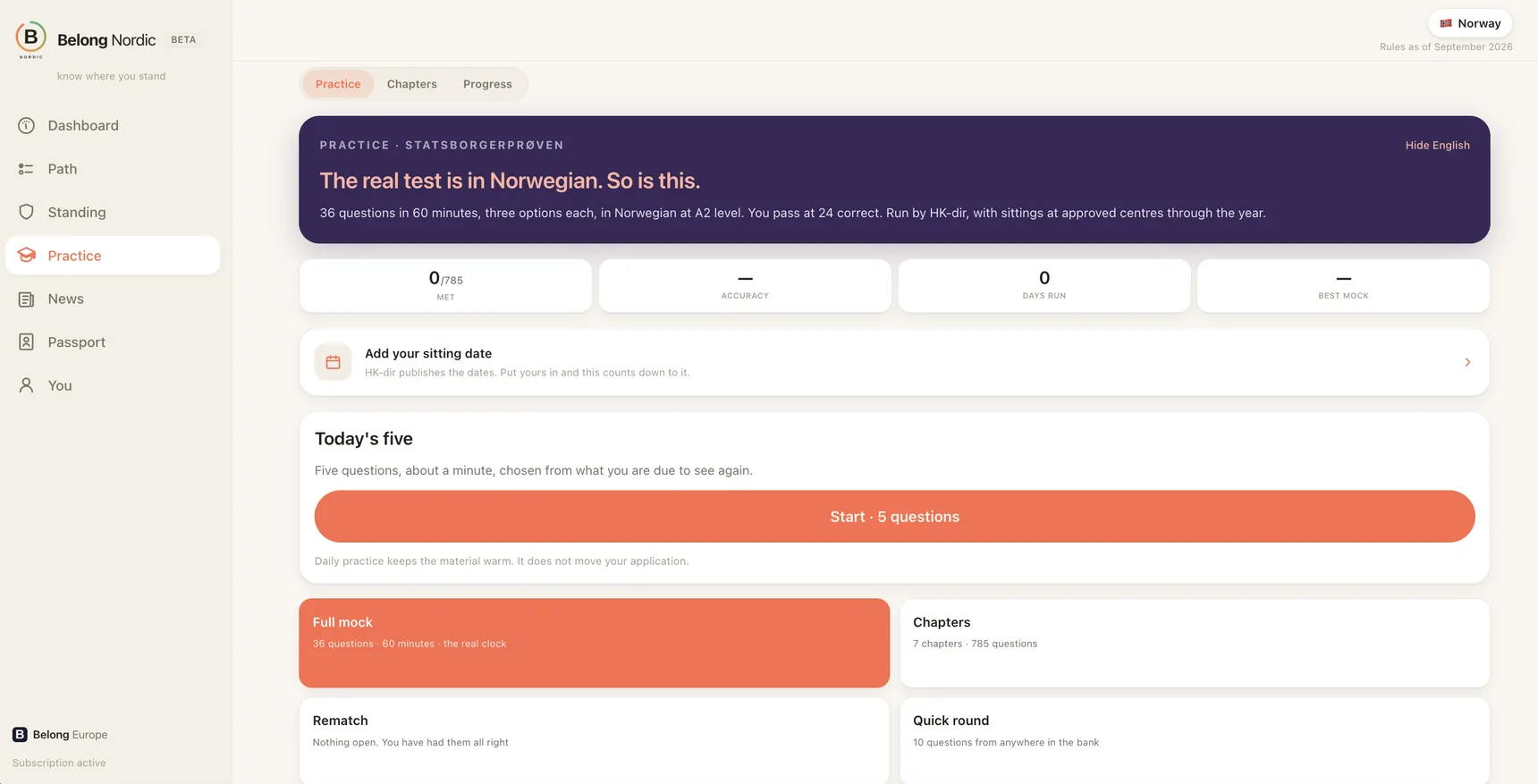
3,012 practice questions: 929 Denmark, 785 Norway, 963 Sweden, 335 Finland — whose test becomes law on 1 January 2027. Each in the test's own language with an English toggle, from the authority's own study material, and for Finland from the Act.
They sit in the chapters of the official book, in the authority's own order, each showing how much you hold — so you drill the section costing you marks, not the whole bank. Finland's eight areas are ours, from the Act.
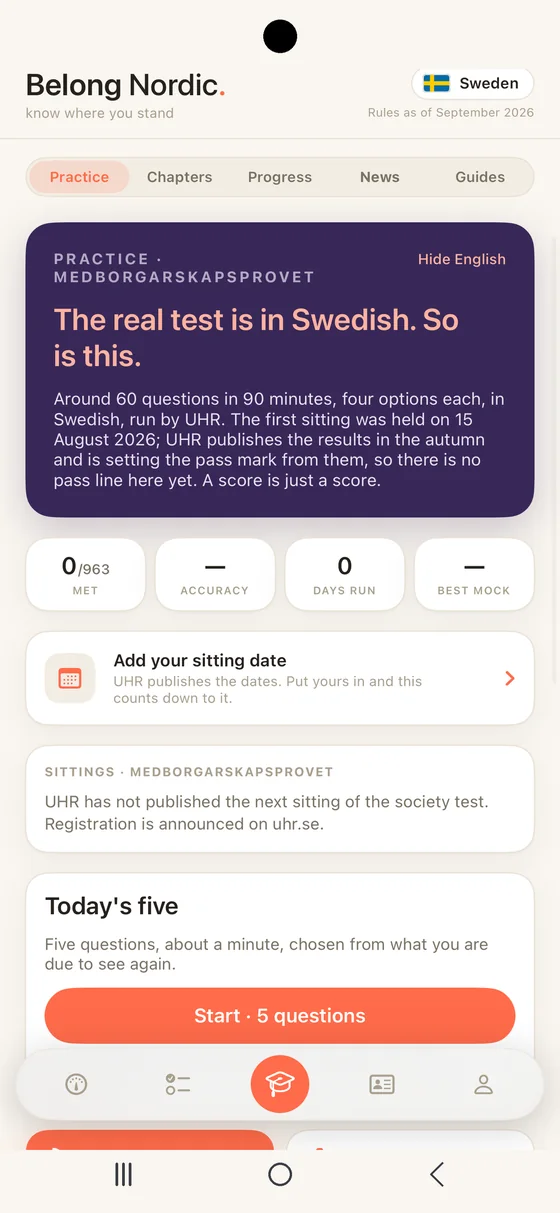
Full mocks run under the real clock: 45 questions in 45 minutes for Denmark, 36 in 60 for Norway, 60 in 90 for Sweden. Results break down by chapter and rematch what you missed. Sweden has no pass line until UHR publishes one; Finland no mock until Migri publishes the format.
Today's five is about a minute a day: what you get wrong comes back sooner, what you know comes back later. All four countries.
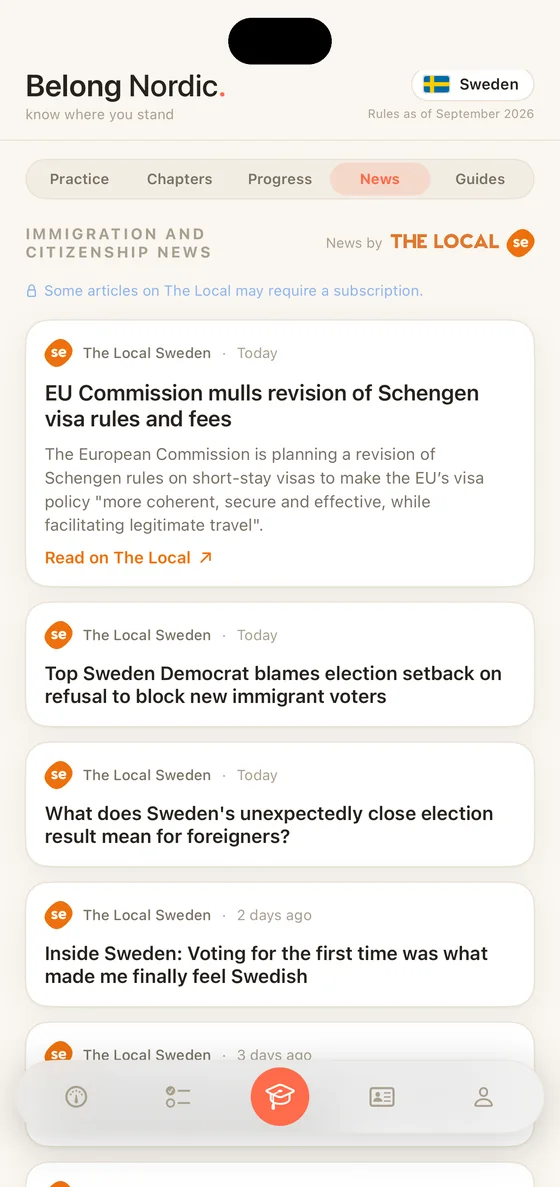
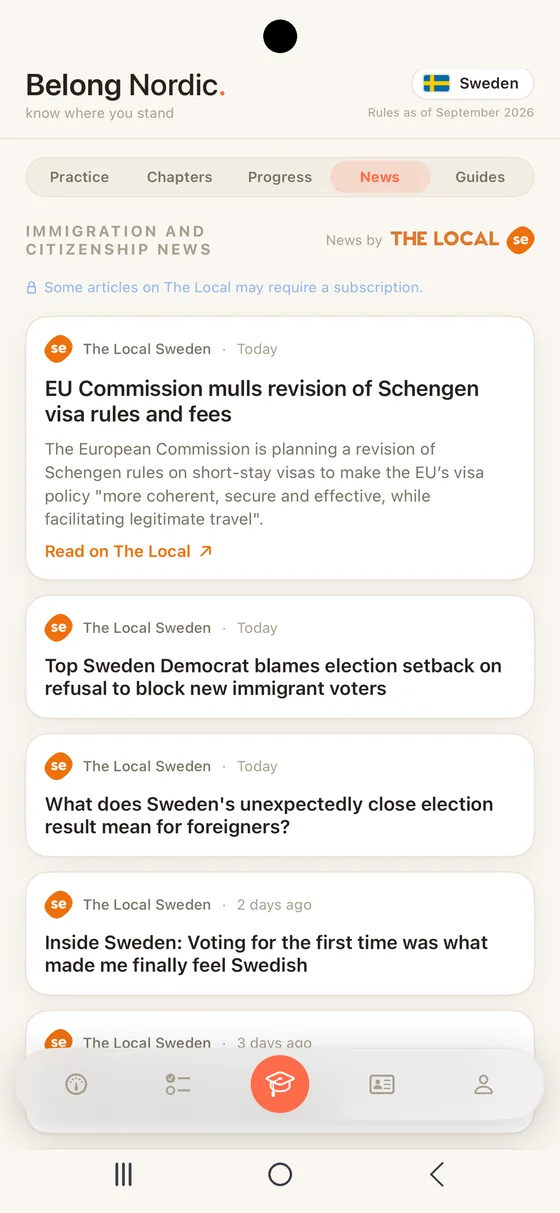
News brings immigration and citizenship coverage for your country, straight from The Local, the English-language newsroom that reports the Nordics. It is scoped to what actually touches your path, immigration, residence, work permits and citizenship, so the feed stays on subject rather than drifting into general headlines. Switch country on the You tab and the feed follows it. Denmark, Sweden and Norway each carry their own stories. Finland does not have a feed yet. On iPhone, News sits alongside Practice, Chapters and Progress in one tab, and you can turn on a gentle alert for new pieces from the You tab.
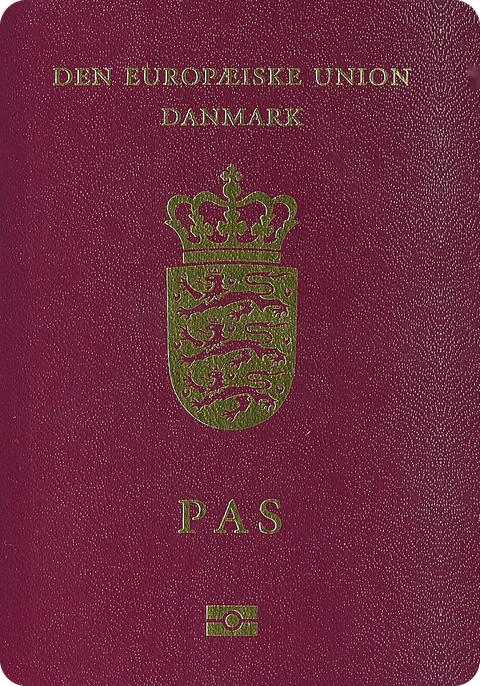
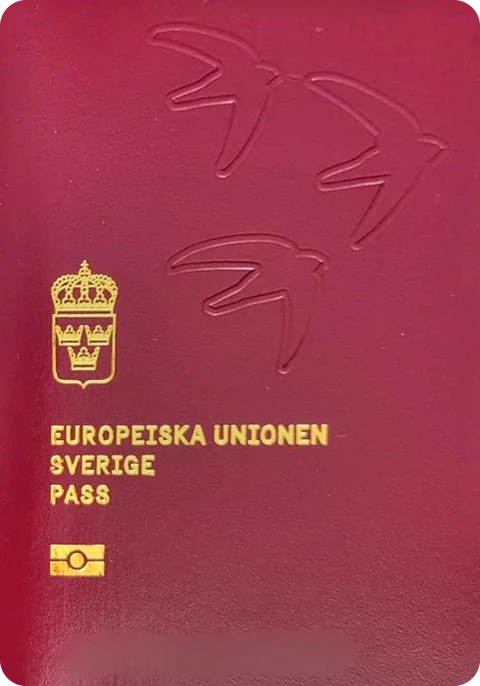
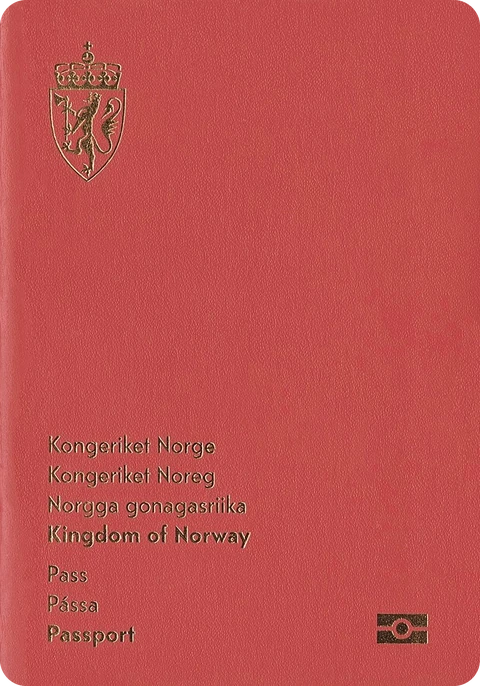
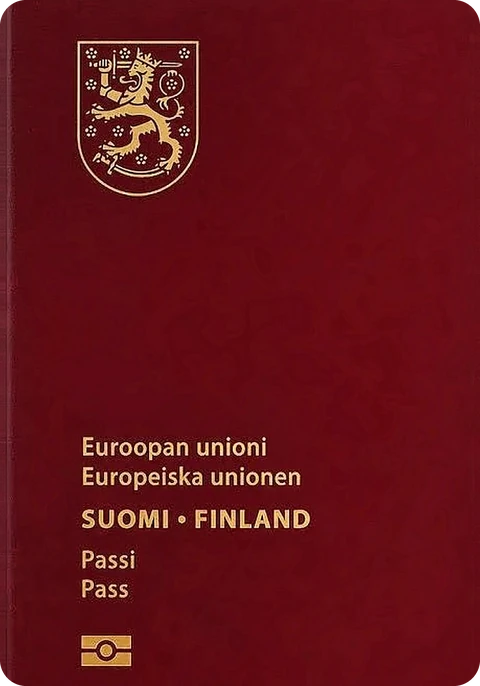
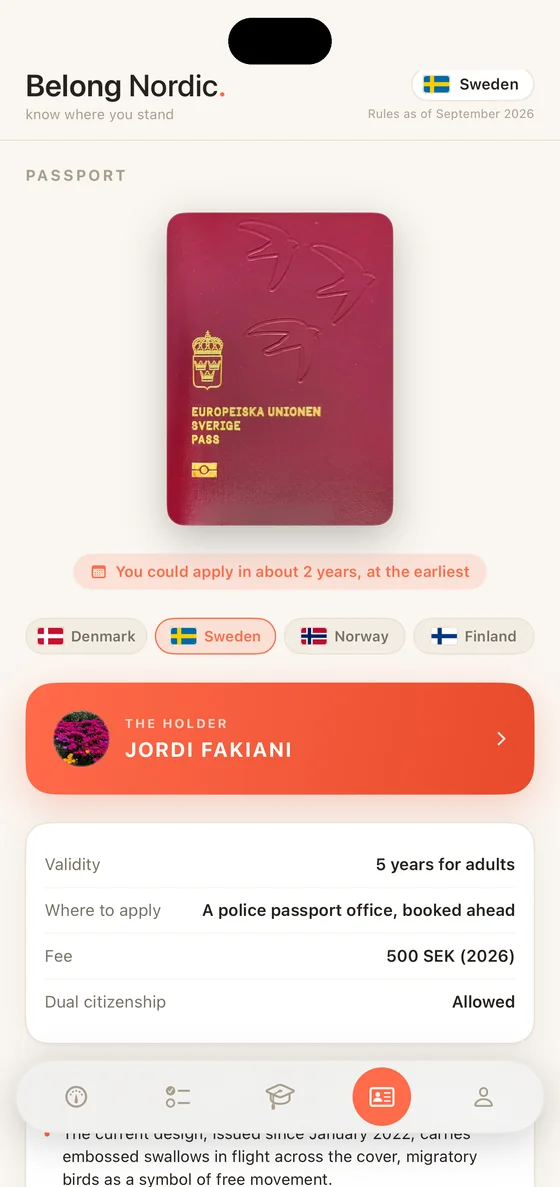
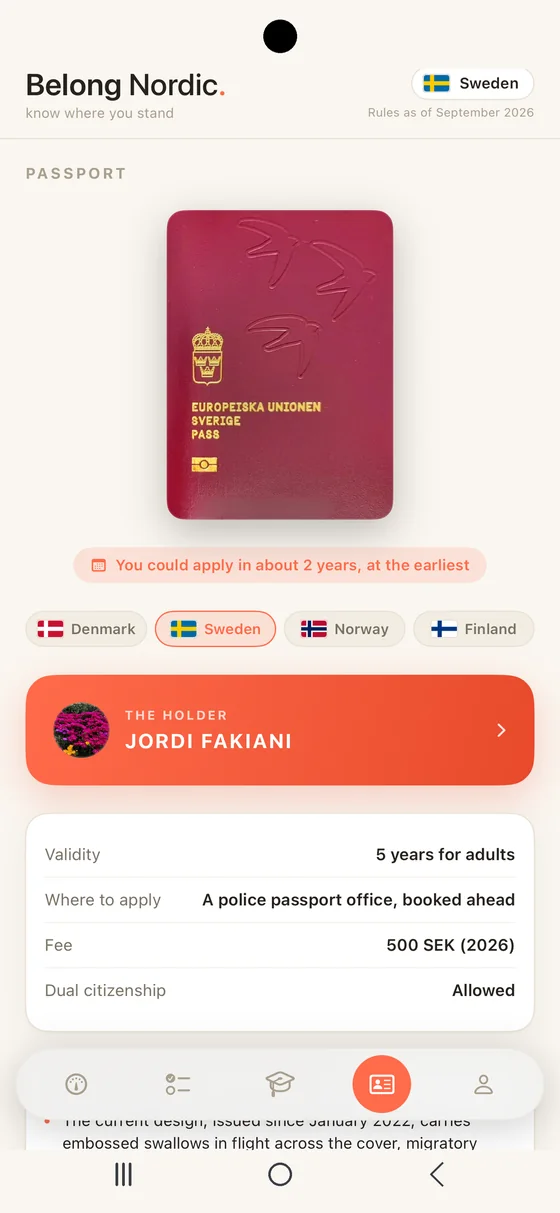
Passport is the newest tab and the reason for all the rest: the document your road leads to. The real cover in colour with the facts that matter beside it: validity, fee, where to apply and dual citizenship. Every figure is checked with the issuing authority, dated and linked to the source.
Add your name, and on iPhone a photo, and the passport carries them as the holder's. A pill under the cover says when you could apply, at the earliest, from the same figures your Dashboard reads, and each passport now tells you what makes it particular: Norway's northern lights under UV light, Finland's flipbook seal, Sweden's embossed swallows and Denmark's hidden photographs. Peek at the other three passports without switching your track. Denmark and Norway issue for 10 years and Sweden and Finland for 5, with a 10 year Finnish passport proposed but not yet law.
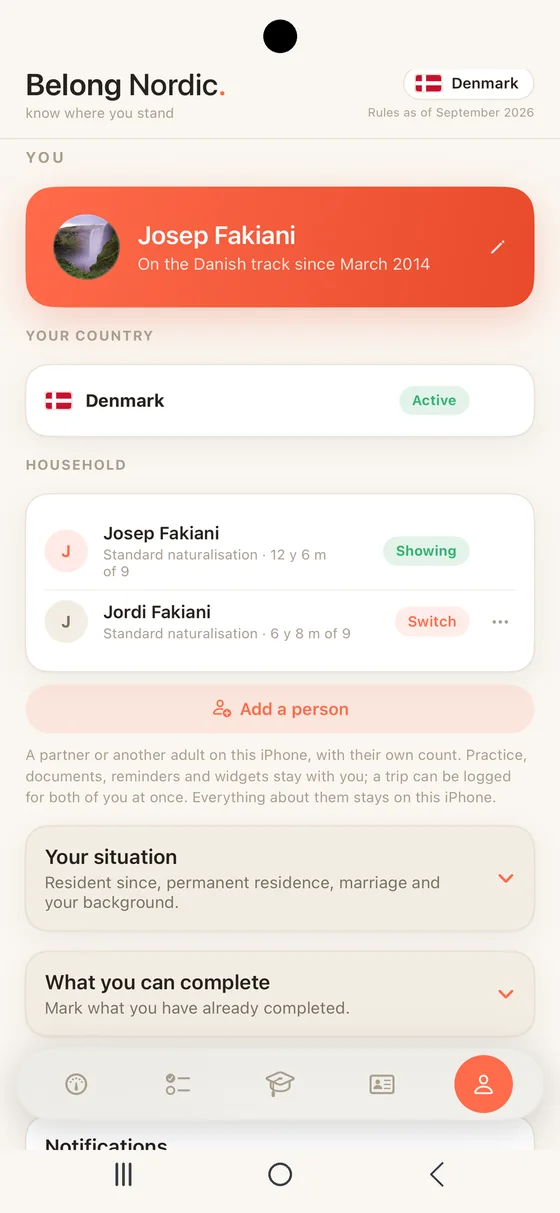
You is where every number comes from. Set your country, the month you became resident and a short list of honest toggles for permanent residence, marriage, language exam, knowledge test and self support. Change one and the Dashboard updates right away. Your name lives here too, and on iPhone a photo of you, and the Passport tab carries them as the holder’s. So do the other three countries, waiting until you need them. The legal disclaimer closes the tab, because Belong Nordic tracks the rules but does not give legal advice.
Get Belong Nordic on iPhone, or open it in any browser.